EagleZoom
PECIFICATIONS
Alarm Action: Local Alarm
Alarm Type: Local Alarm
Audio Output: 1CH BNC
Certification: CE
Color: black
Color Night Vision: Yes
Connectivity: IP/Network Wired
High Definition: 8.0 Megapixels
High-concerned chemical: None
IP Rating: IP66
IR Distance(m): 20-30m
Installation: Wall Mounted
Internal Storage: None
Lens (mm): 3.6mm
Lens Quantity: Single Lens
Megapixels: 8MP
Minimum Illumination(Lux): 0.001
Operating Temperature: -10°-60°
Power Consumption(W): >12w
Power Source: Normal
Power Supply: Normal
Power Supply(V): 12v/5v
Scene: Indoor and outdoor
Sensor: CMOS
Sensor Brand: Sony
Shell Material: Metal
Smart home platform: Other
Special Features: Waterproof / Weatherproof/ Weatherproof
Style: Dome Camera
Supported Mobile Systems: Symbian,Windows Mobile,Android,iOS
Supported Operating Systems: Windows 98,Windows XP,Windows Vista,Windows 7,macOS,Windows 8,Windows 10,Windows 2000,Windows 2008,Windows 2003
TF Card: None
Video Compression Format: H.265
Zoom: 30x
Zoom type: Digital zoom
alarm action: local alarm
audio output: two way audio
connectivity: ip/network wireless
high definition: 8MP 4K
special features: two-way audio
style: dome camera
technology: pan / tilt / zoom
type: ip camera
video compression format: h.265
-
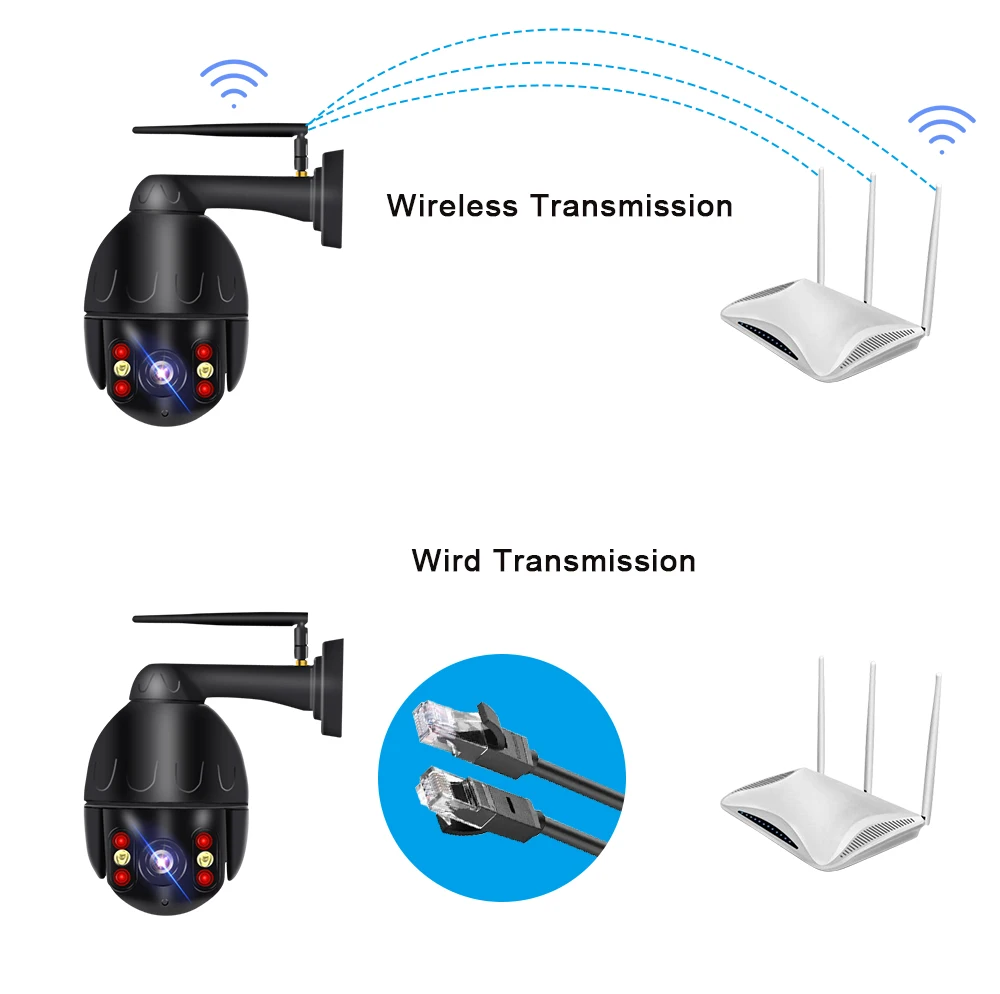
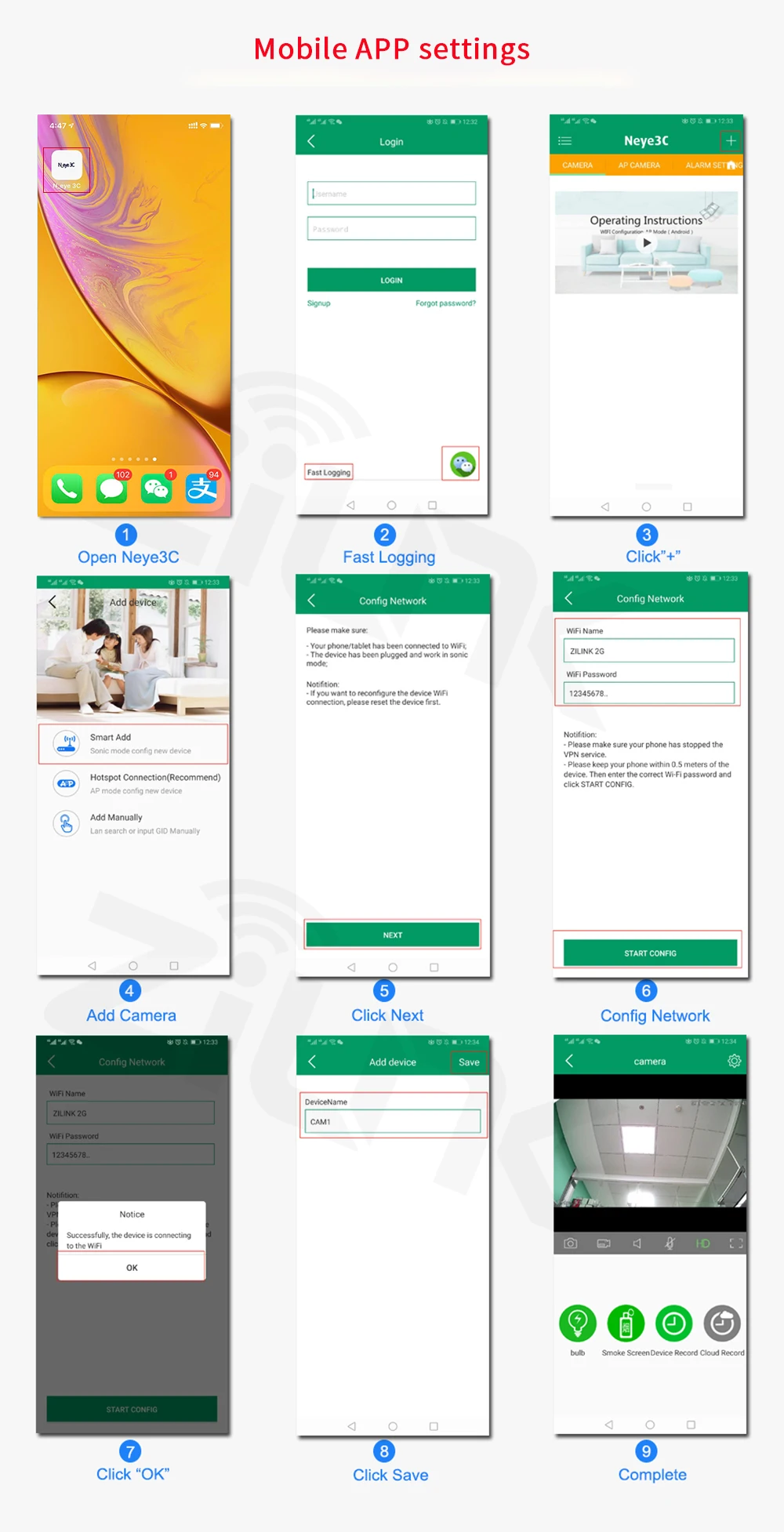
Q: How to connect this camera with WiFi ?
A: Please watch the video and follow the steps.
Product Size & Listing: -
1x PTZ Camera
1x User Manual
1x Power Supply
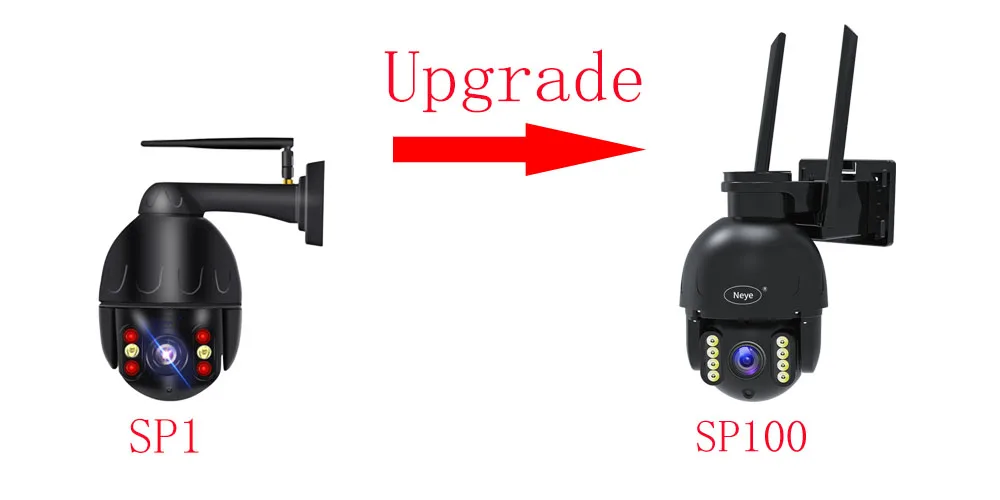
1x BagNOTED: This camera has been upgraded. and shipped without distinguishing between new and old versions. The old and new versions have the same function, but the appearance is different.
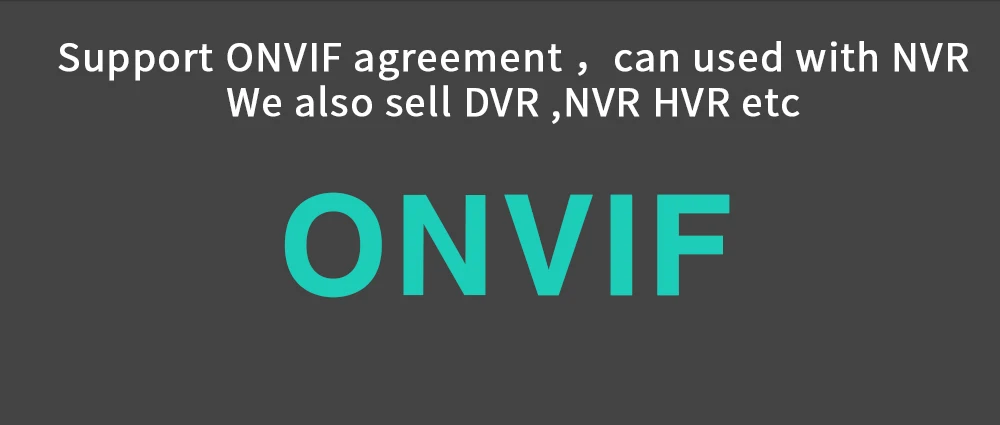
ONVIF Support: The wireless IP camera is interoperable with all sorts of ONVIF-conformant IP security products. Multiple Devices: The wifi CCTV camera can be added on multiple devices, smart phones, tablets and computers, etc.

Easy to install, three steps in place APP download (Android) Search "Neye3C" in android market or scan the QR code to download. (iOS) Search "Neye3C" in the App Store or scan the QR code to download.

Add in Neye 3C App
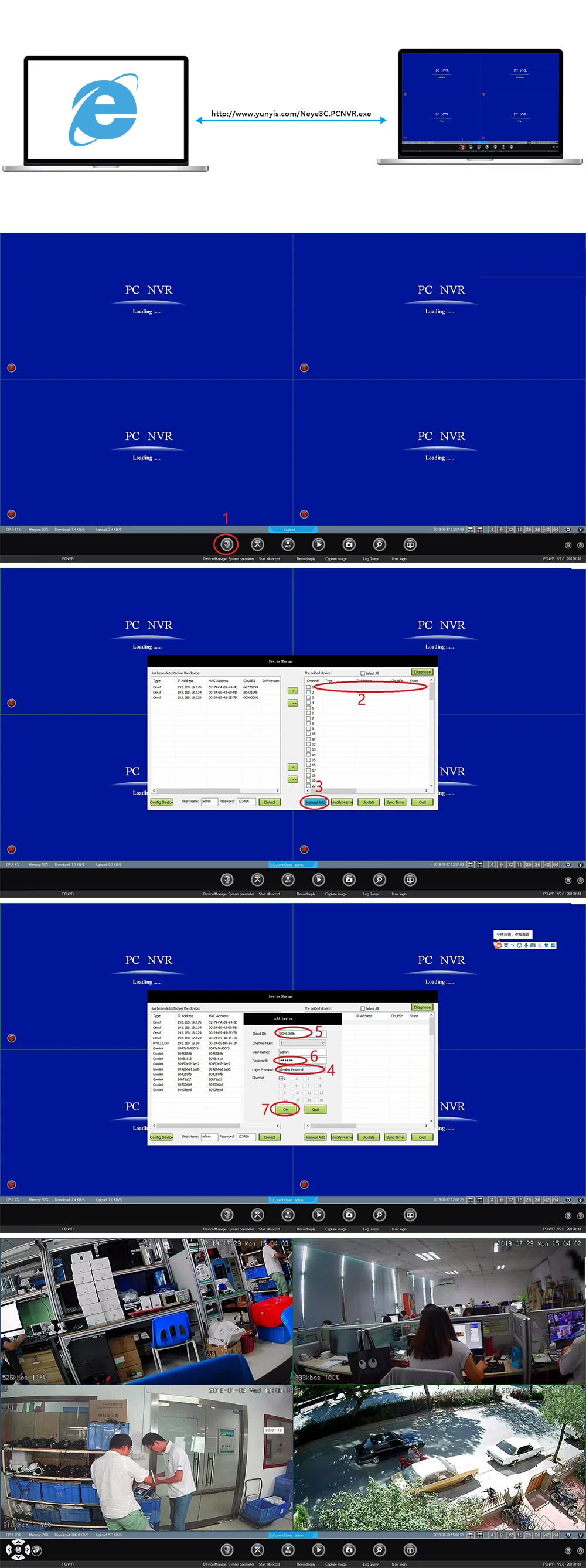
Comfigure in PC CMS Client